How to Download Instagram Highlights
Highlights are the stories creators chose to keep forever — travel collections, portfolios, product tours, FAQ series. Here is how to save them properly: every story inside, covers included, no login, and no fake promises.
What Highlights Are, and Why Everyone Wants to Save Them
A highlight is a permanent collection of stories pinned to an Instagram profile. Regular stories vanish after 24 hours; highlights stay until the creator removes them. That single difference is why highlights are the most downloaded content on the platform after reels.
Think about what creators put in highlights. Not random daily clips — the curated best. A photographer's "Weddings 2025" collection. A restaurant's full menu, story by story. A fitness coach's complete workout series. A traveller's entire Japan trip, eighty stories long. Highlights are where profiles keep the content they consider worth keeping, organized into named collections with custom covers.
That is exactly why people save them. A client wants the portfolio offline before a meeting. A fan wants the concert series before the account deletes it. A business wants a competitor's product tour for research. A creator wants their own collections backed up somewhere Instagram cannot take away. In every case the value is the same: this is the permanent stuff, and permanence deserves a backup.
One thing most people miss: every highlight has a cover image, and it is a separate file. Covers are often custom-designed graphics — clean, square, on-brand. Designers download covers as reference material as often as they download the stories themselves. A proper highlights downloader pulls the covers too, not just the videos and photos inside.
Can You View Instagram Highlights Without an Account?
This is the question behind half of all highlight searches, so here is the straight answer, in two parts.
Inside Instagram itself: basically no. Instagram has steadily walled off logged-out browsing. Open a profile in a browser without logging in and you will hit a login prompt after a few seconds — if the profile loads at all. Highlights sit behind that wall. The platform wants an account between you and its content, and it enforces that aggressively.
With a downloader tool: yes, for public profiles. A highlights downloader does not browse Instagram the way you do. You give it a public username, it fetches that profile's highlight collections — the list of collections, their covers, and the stories inside each one — and shows them to you directly. No account, no login, nothing installed. You can look through the collections and save the stories you want. That is the entire mechanism behind every "highlight viewer" that actually works, including the one on this site.
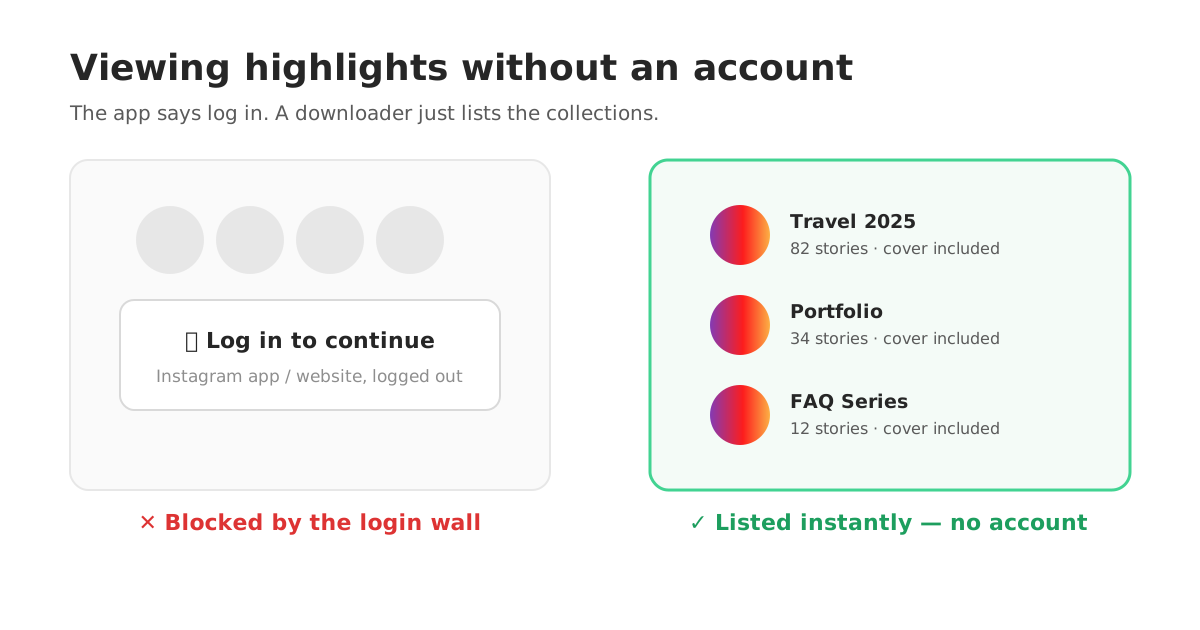
The boundary is the same one that applies to every Instagram tool: public profiles only. A private account's highlights are visible to approved followers and nobody else, and no legitimate tool can fetch them. Any site claiming to unlock private highlights is running a scam — usually a fake "verification" step that ends in a survey or a phishing page. Public means downloadable; private means no, everywhere, full stop.
Download Any Highlight in 4 Steps
Under a minute for a single collection. You need nothing but the username.
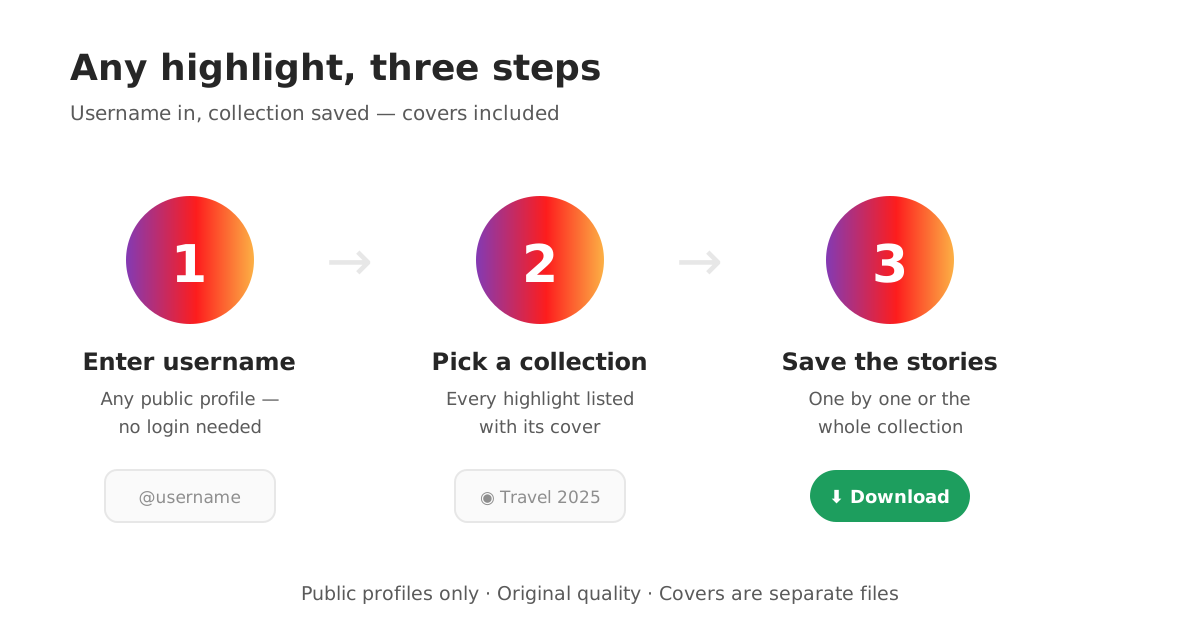
- 1
Open the highlights downloader
Go to the ClipDowns Instagram highlights downloader. No sign-up form, no app install, no Instagram login — the tool works on public profiles directly.
- 2
Enter the username
Type the public username whose highlights you want and run it. The tool lists every highlight collection on the profile, with its cover and story count.
- 3
Pick a collection
Choose the highlight you want — a single collection can hold up to 100 stories. Open it to see every photo and video inside, in order.
- 4
Save what you need
Download individual stories, the whole collection, or just the cover image. Files save in their original quality, exactly as the creator uploaded them.
Backing Up Your Own Highlights (Do This Before You Need To)
Most people think about downloading highlights when it is someone else's content they want. The smarter move is backing up your own — and most creators never do it until something goes wrong.
Accounts get hacked. Accounts get wrongly flagged and suspended. Phones get lost with the only copies of the original stories on them. When any of that happens, your highlights — the curated collections you spent months building — are only as safe as Instagram's willingness to give your account back. A local backup changes that math completely. Download each of your collections once, store them in a folder, and your best content survives anything that happens to the account.
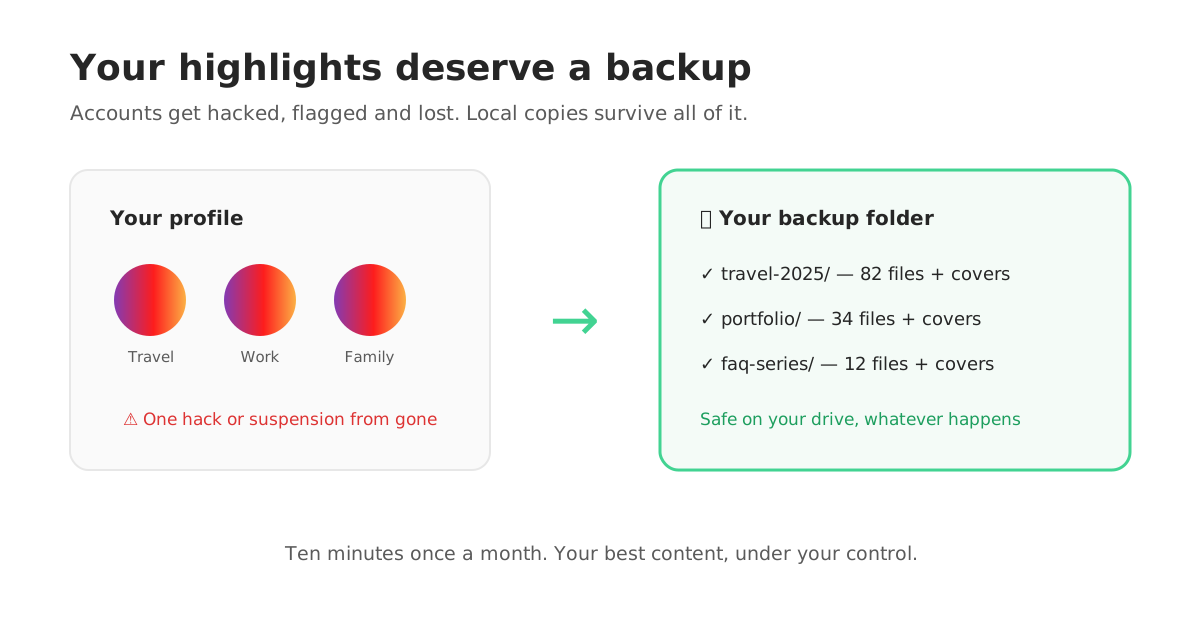
Your own archive inside Instagram is the other route — the app keeps your expired stories in a private archive if you enabled it. Downloading from there works, but it is one story at a time, on your phone, at phone-app speed. Running your own username through the downloader gets you the organized collections, covers included, in a fraction of the time. Do it once a month and the backup habit costs you almost nothing.
Highlights vs Stories: Why the Download Works Differently
People confuse the two constantly, and the confusion matters because the rules are opposite.
Stories expire. A story lives for 24 hours, then disappears from public view. If you want a story saved, the clock is real — miss the window and it is gone unless the creator saved it themselves. Story downloaders exist for exactly this urgency.
Highlights do not expire. A highlight is a story the creator rescued from that 24-hour clock and pinned permanently. There is no countdown and no rush. The collection from 2023 is as downloadable today as the one from last week — right up until the moment the creator deletes it, which is the only deadline that exists.
The files are the same stories. A highlight story is the original story file, unchanged. Downloading it gives you the same quality as downloading the story on day one — the permanence of highlights costs nothing in quality. What you are really choosing between is urgency: stories are a race, highlights are an archive.
One practical consequence: because highlights do not expire, you never need the sketchy "instant unlock" sites that rush you through fake countdown timers and verification scams. Take your time, use a tool that shows you the collections first, and save exactly what you came for.
When a Highlight Will Not Download: The Real Causes
When a download fails, it is almost always one of these four things — and none of them is fixed by installing a random app.
The account is private. The most common cause. If the profile is private, its highlights are follower-only content and cannot be fetched. This is a hard platform limit, not a tool failure.
The username is wrong. A single wrong character fetches the wrong profile or none at all. Copy the username from the profile itself rather than typing it from memory — underscores and dots are easy to fumble.
The collection was just deleted. Highlights feel permanent, but creators prune them. If a collection existed yesterday and is gone today, the creator removed it. Once it is off the profile, it is off every tool too.
Music stories with region locks. Occasionally a story inside a highlight carries licensed music restricted in some regions, and that single item fails while the rest download fine. Save the others; the locked one is a licensing wall, not a bug.
Ready when you are: the Instagram highlights downloader lists any public profile's collections in seconds, and if you are saving regular expiring stories instead, the story downloader is built for that 24-hour race.
Instagram Highlights FAQs
How do I download Instagram highlights?
Open the highlights downloader, enter the public username, pick the collection you want, and save the stories inside it — individually or all at once. The highlight covers download too, as separate image files. No Instagram login is needed.
Can I view Instagram highlights without an account?
Not inside Instagram itself — the app and website push a login wall in front of profiles. With a downloader tool, yes: enter a public username and the tool lists that profile's highlight collections for you to browse and save, no account required. Private profiles stay off-limits everywhere.
Do Instagram highlights expire like stories?
No. Stories disappear after 24 hours, but highlights are stories the creator pinned permanently to their profile. They stay downloadable until the creator deletes the collection.
Can I download highlights from a private account?
No. Private highlights are visible only to approved followers, and no legitimate tool can fetch them. Sites claiming private highlight access are scams — usually survey walls or credential phishing.
How many stories can one highlight hold?
Up to 100 stories per collection, and a profile can hold many collections. A single travel or portfolio highlight can be a substantial archive — which is why downloading collection-by-collection beats saving stories one at a time.
Can I download just the highlight cover image?
Yes. Covers are separate image files, and the downloader pulls them alongside the stories. Covers are popular downloads in their own right because they are often custom-designed, clean square graphics.
Is the quality the same as the original story?
Yes. A highlight is the original story file, unchanged, so downloading it gives you the creator's uploaded quality — same as saving the story on the day it was posted.
Is it okay to download someone else's highlights?
Downloading public content for personal use — research, reference, offline viewing — is standard practice. Re-uploading someone else's work as your own is not. Credit creators, ask permission for republication, and never touch private content.